To view detailed information about an order, click on the button to the far left of the respective order in the overview. When you hover your mouse over the icon, a tooltip appears with the text “Show order.” Clicking on this button takes you to a detailed view of the order.
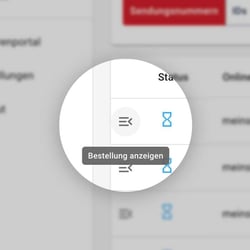
Overview
In this view, the current status of the order is highlighted by a marked frame. The detailed view provides you with more comprehensive information than the general order overview and contains:
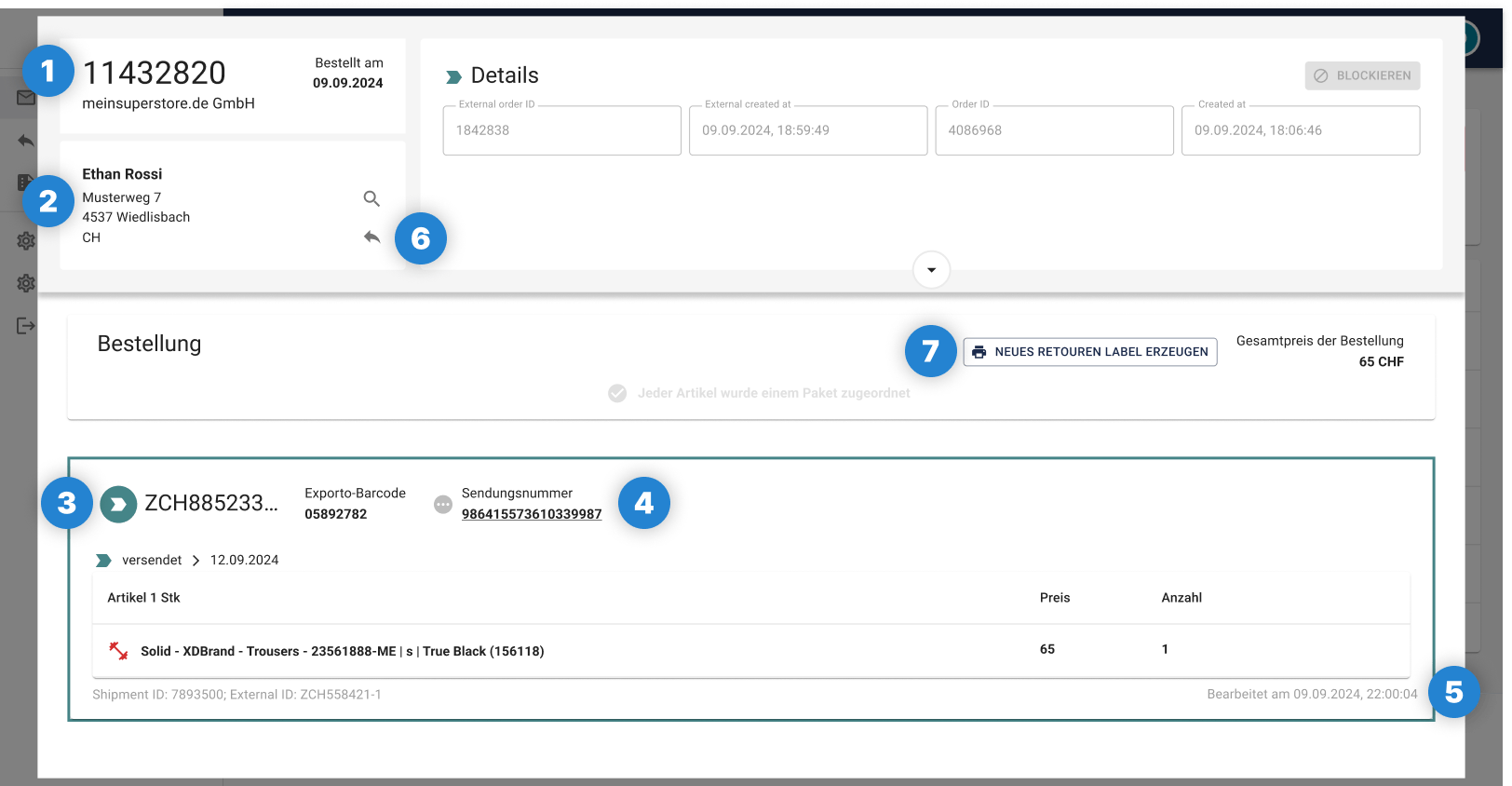
Detailed order overview exporto portal:
(1) Customer Facing No. / Order number
(2) Recipient
(3) Order status
(4) Shipment number with link to the tracking page of the respective carrier (e.g., CH Post, Evri)
(5) Date of processing/customs clearance
(6) The arrow takes you directly to your end customer's respective order in the returns portal.
(7) If all items have already been registered for return, you can use this button to generate a new return label.
Order status
The symbols indicate the status of the order. They show at a glance whether the order is new, being processed, or has been completed:
 | Status “New”: The order has been received by the portal but has not yet been processed. For freight forwarder deliveries:
For deliveries by local carriers (DHL, UPS, etc.):
|
 | Status “Label printed”: The order is being processed by exporto; customs clearance is being carried out. |
 | Status “Tour assigned”: Customs clearance has been successfully completed. The order has been assigned to a vehicle to be fed into the last mile carrier. |
 | Status “Blocked”: There were discrepancies with at least one package, usually at customs. The package will be returned to the country of origin the following day. |
 | Status “Completed”: The order has been successfully processed and shipping completed. |
Completion of the order
Even after the order has been completed, you can still view the handover to the last-mile carrier and the associated tracking at any time to continue monitoring progress. This means you are always informed and know when the order will arrive at the recipient.

 | Tracking link generated: From this point on, you can track the current status with the last-mile carrier. |
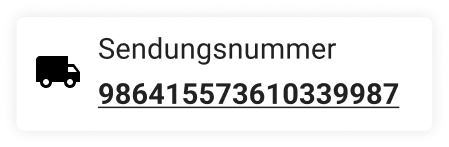 | On the way to the recipient: The order is currently on its way to the recipient. |
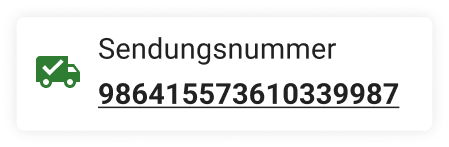 | Delivered: The order has been successfully delivered. If the recipient is absent, the order will be stored accordingly, e.g., in a storage compartment or at the post office. |
Comments
0 comments
Please sign in to leave a comment.